Keep Your Team Updated When Plans Change
Last-minute changes are common when managing events. Event Connect makes it easier to get those updates to the people who need them. Create teams for each event and notify them when something changes, whether it’s a proposal item, quantity, schedule, or another event detail.
Keep Last-Minute Changes Clear and Actionable
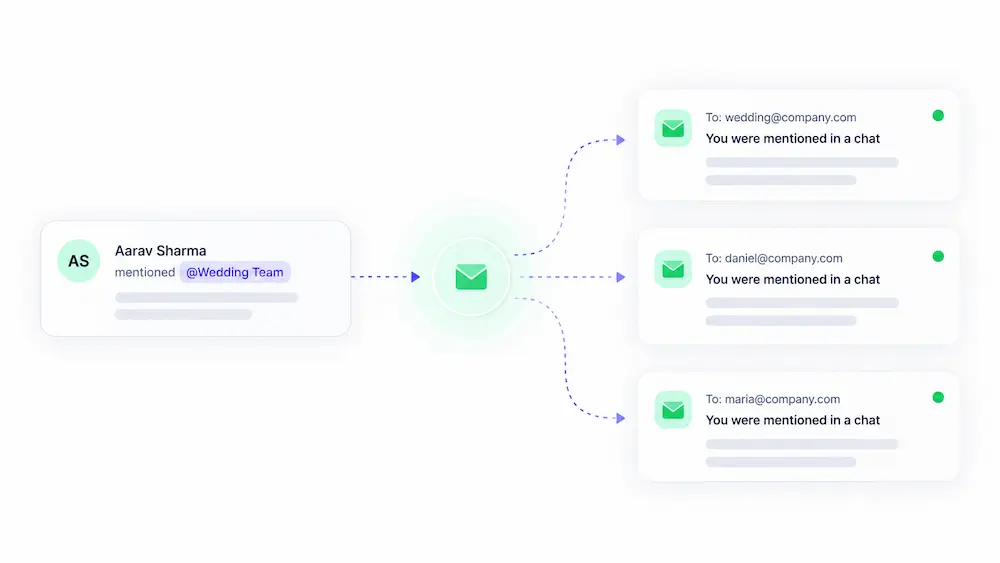
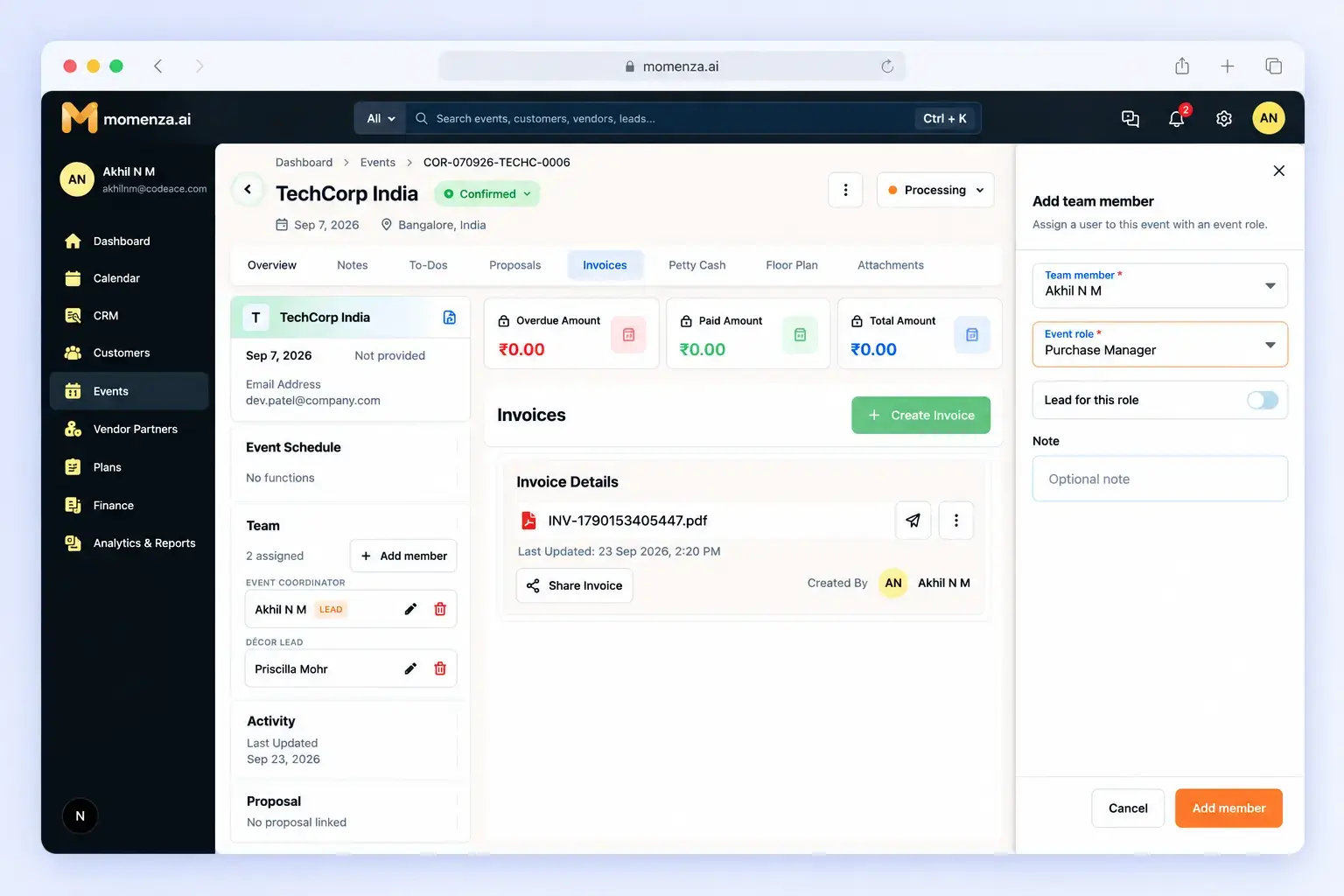
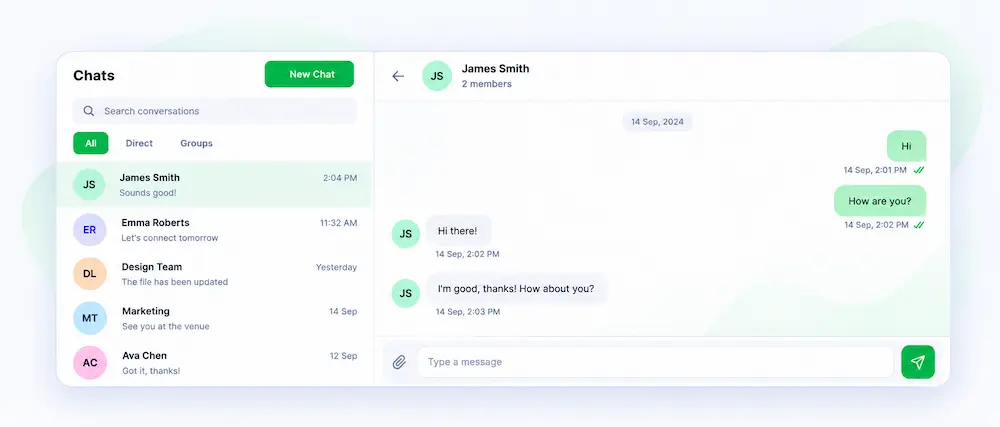
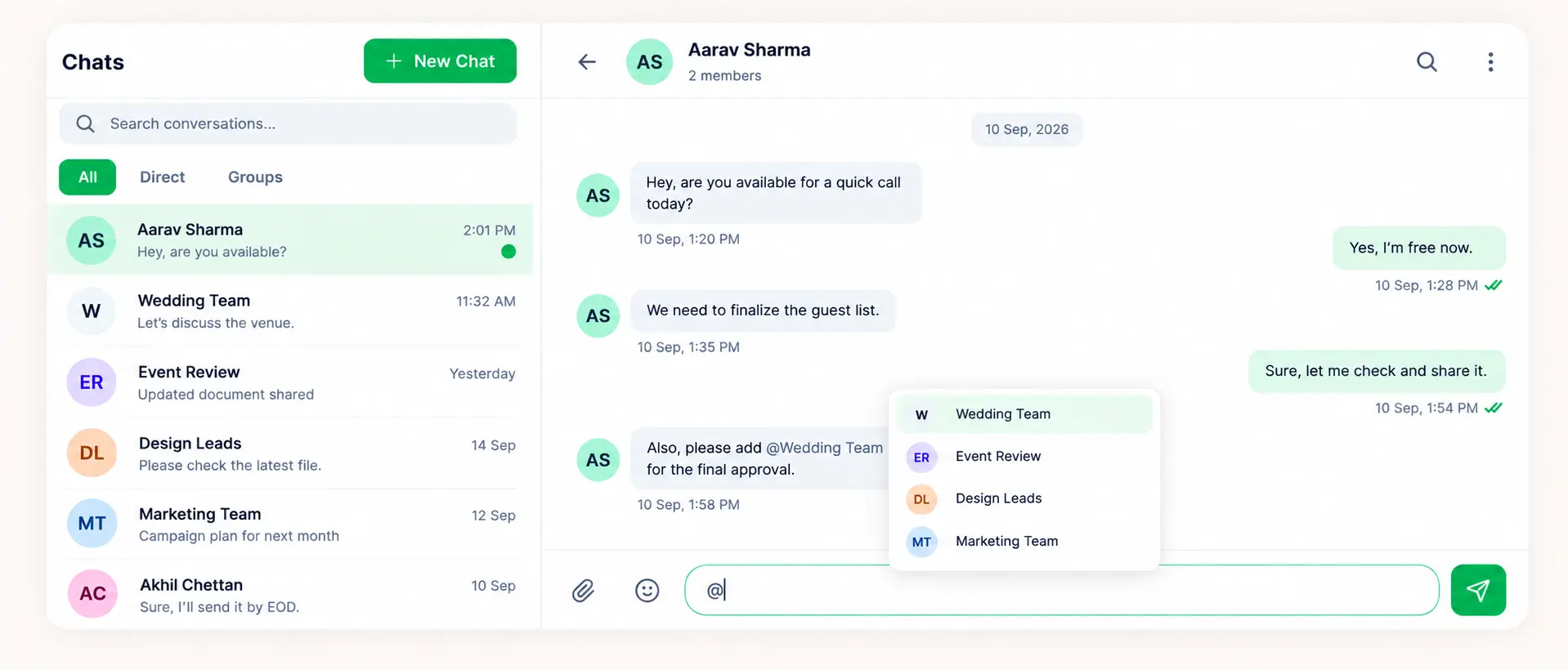
Event details can change at the last minute, and the right people need to know about them quickly. With Event Connect, you can create teams for an event and share updates through the internal group chat. When a team is mentioned, each member receives an individual notification, while the update remains visible in the group chat. They also receive an email notification, so important changes stay on their radar even when they’re not actively checking Momenza.
Everything Included in Momenza’s Event Connect
Event-Specific Teams
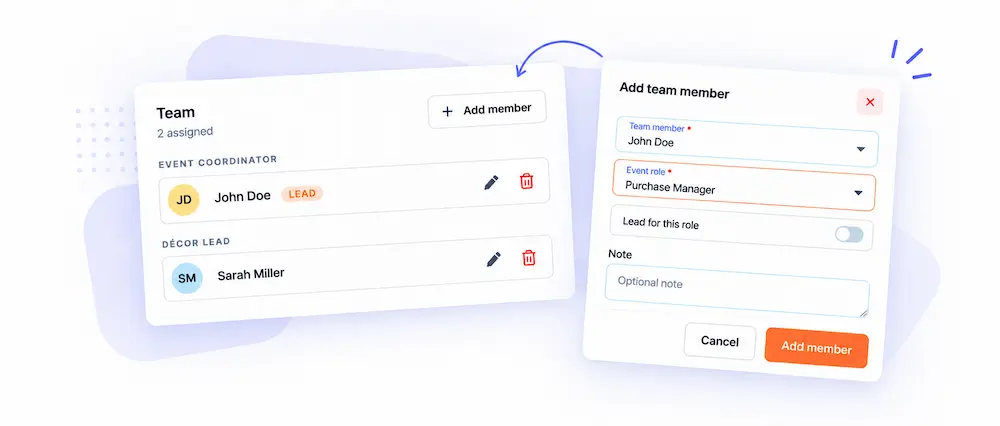
Create teams for each event, whether it’s an execution team, coordination team, or any other group involved in the event.
Internal Team Chat
Create dedicated groups within Momenza to discuss event details and keep event-related conversations together.
Last-Minute Change Updates
Share changes to proposals, items, quantities, schedules, or other event details as soon as they happen.
Specific Mentions
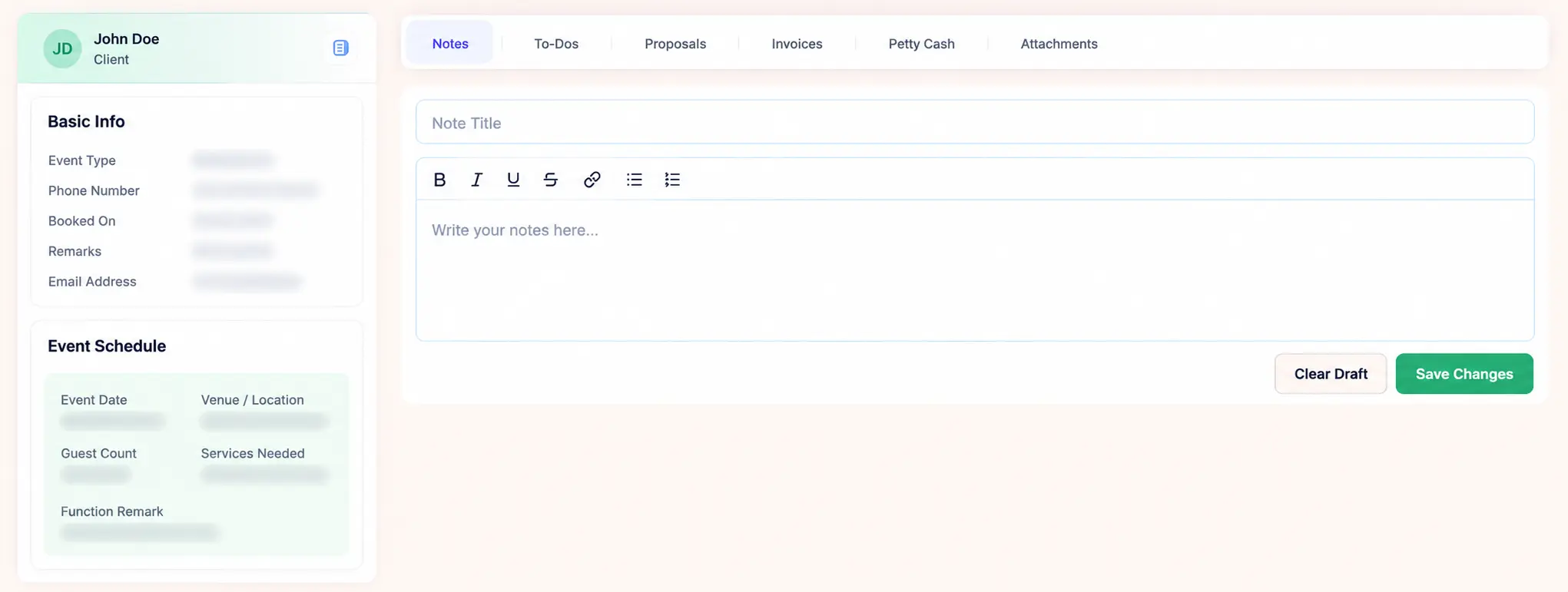
Mention the exact team members who need to know about a change, rather than sending the same update to everyone.
Individual & Email Notifications
Mentioned team members receive an individual notification, while the update remains visible in the internal group chat. They also receive an email notification, so important changes don’t get missed.