Chat, Coordinate, and Manage Events Without Switching Apps
Most event agency teams manage their work in one tool and their communication in another. When your team is already managing leads, vendors, proposals, and payments inside Momenza, the conversation should happen there too. No external apps, no switching – everything stays in one place, from the first client inquiry to the final event report.
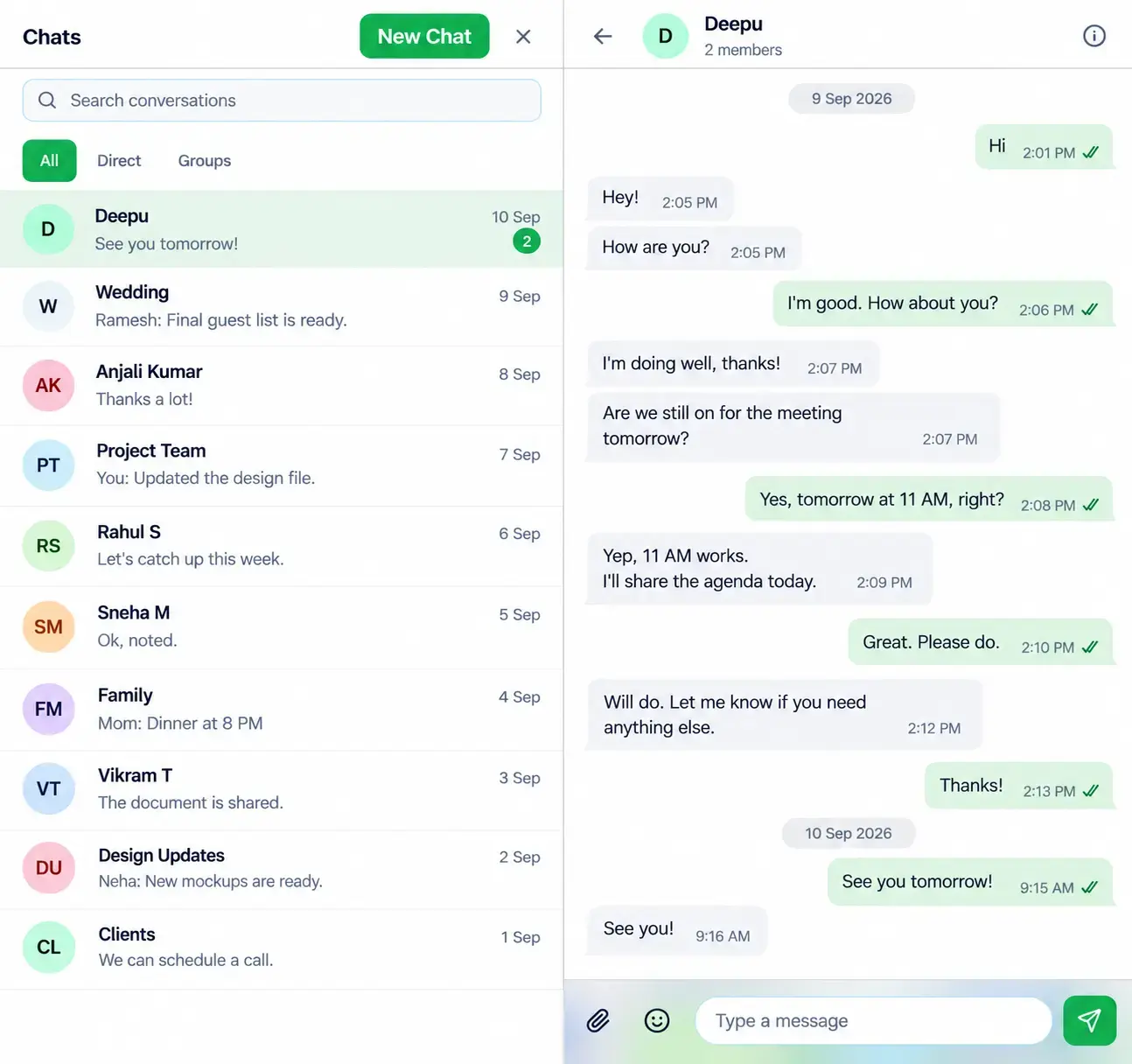
Internal Chat to Communicate in Real Time
Event teams constantly share updates, check details, and make quick decisions. When these conversations happen across different apps and messages, it’s easy for something important to get missed. An internal chat gives the team one place to talk, share updates, and stay on the same page.
Everything Included in Momenza’s Internal Chat
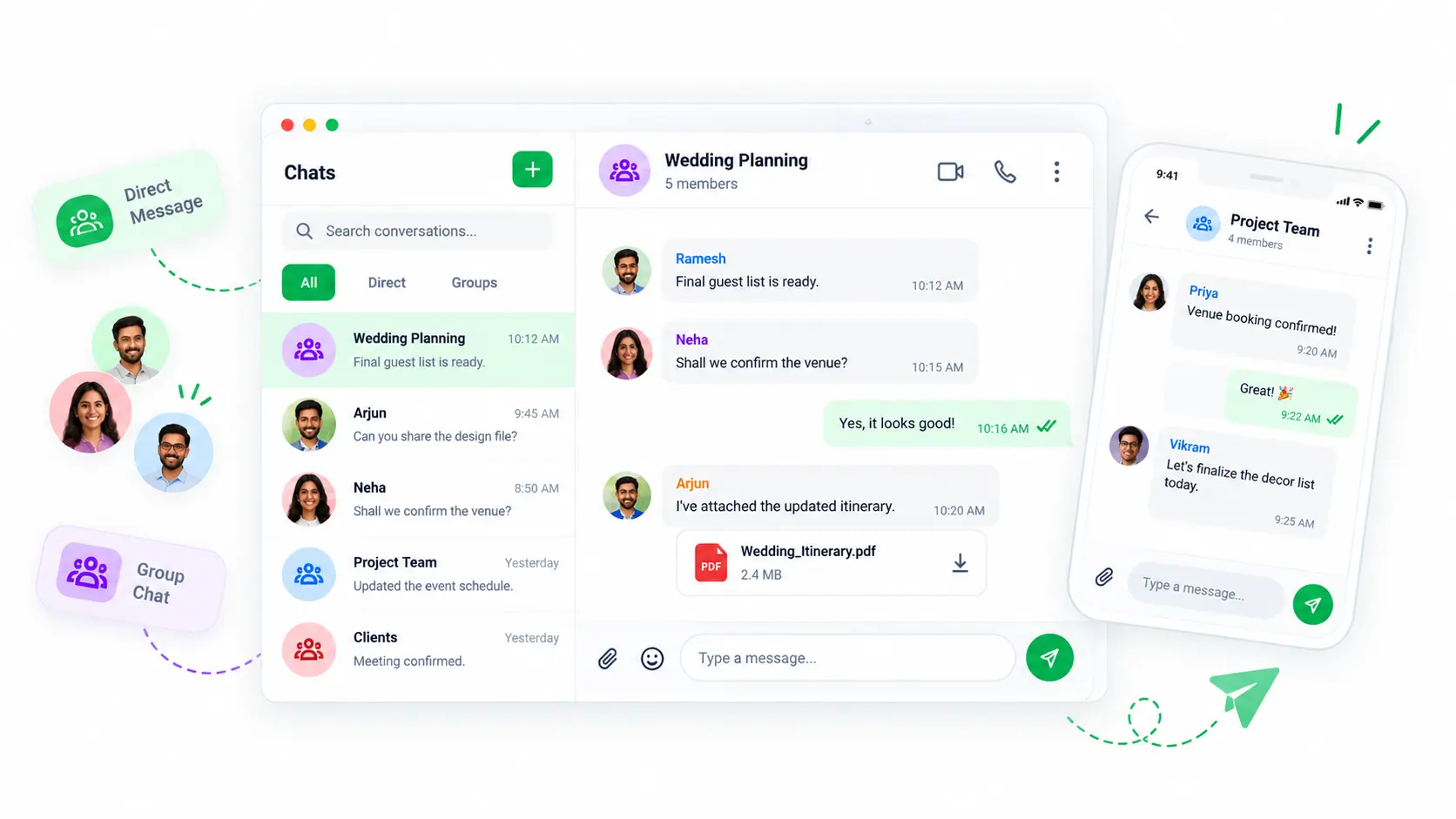
Direct and Group Conversations
Chat one-on-one with a team member or bring everyone into a group conversation. Share updates, ask questions, and coordinate without switching between different chats.
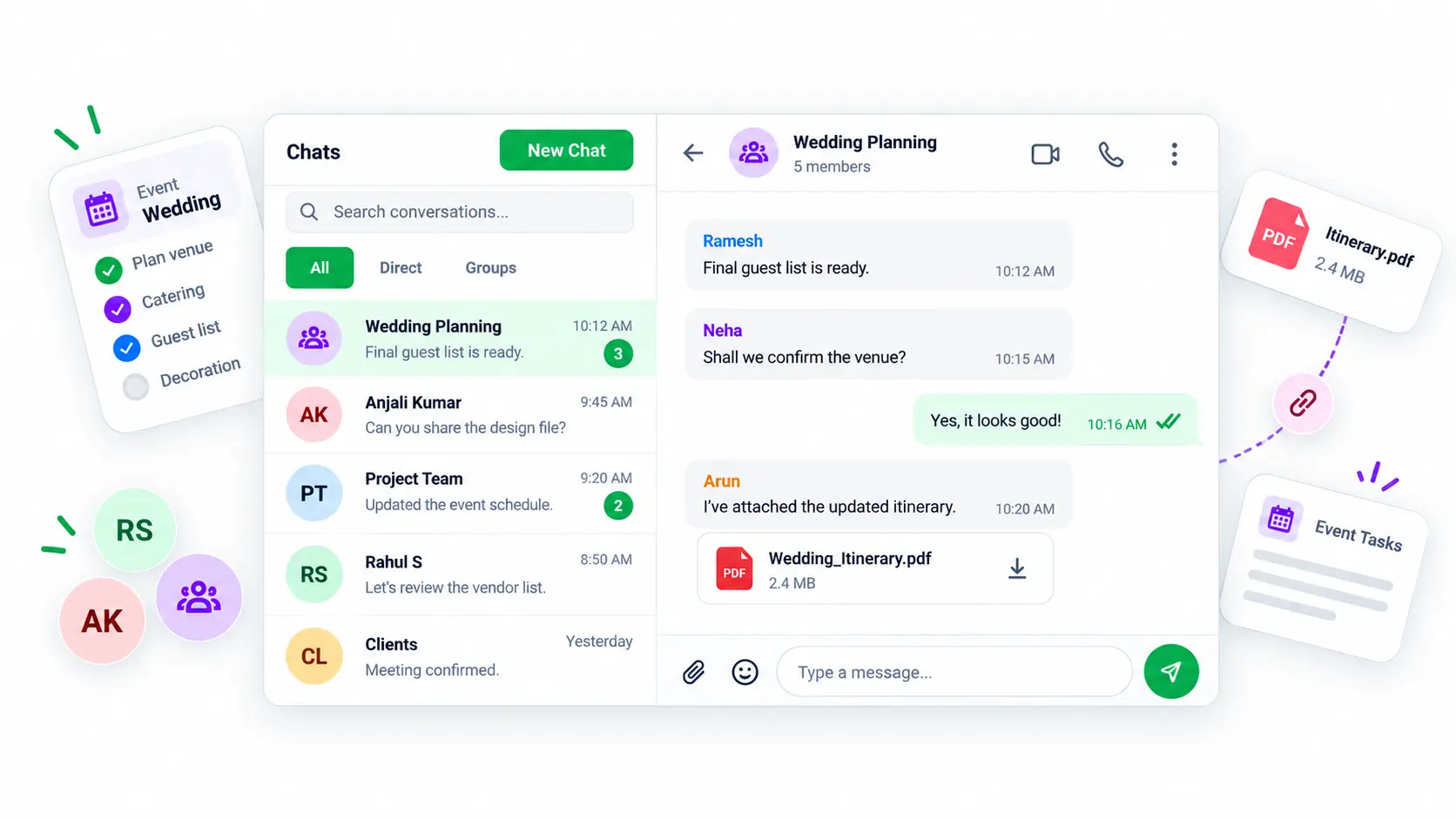
Easy Access to Team Conversations
Keep event-related conversations in Momenza, right alongside the rest of your work. This makes it easier to find important updates when you need them.
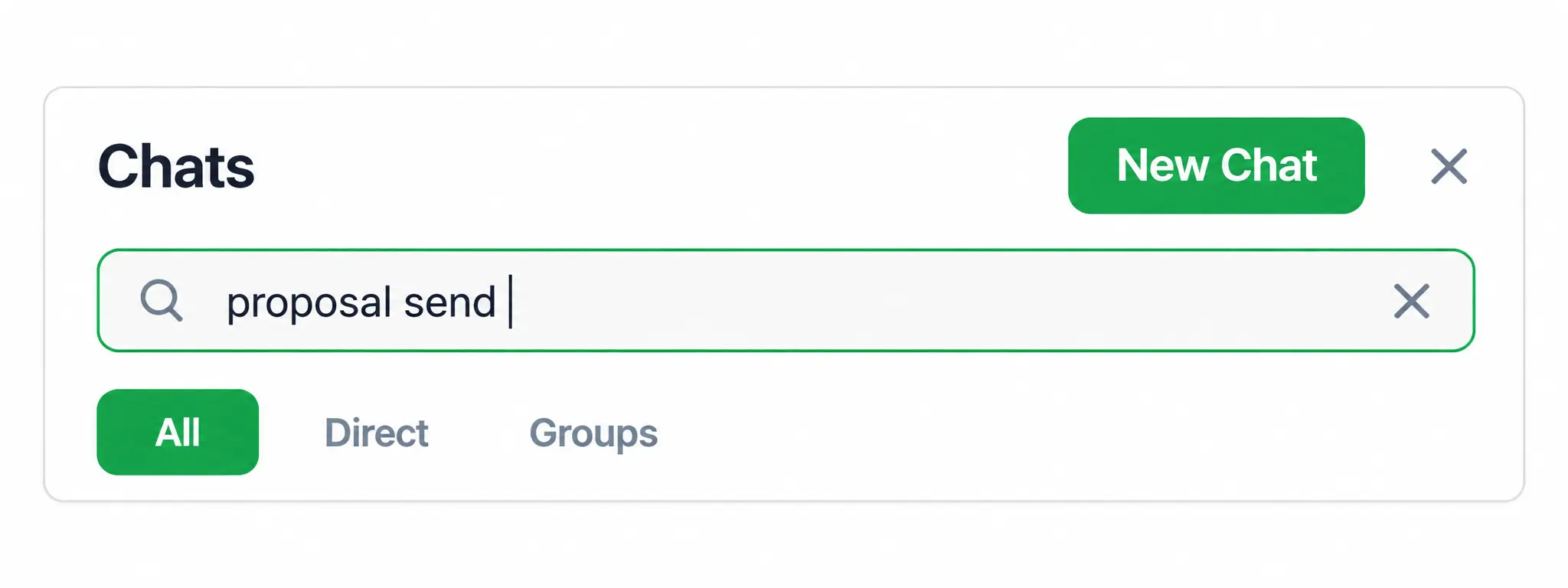
Search Conversations Quickly
Looking for an old message or a specific update doesn’t mean you have to scroll through endless chats. Search your conversations and get to the information you need faster.
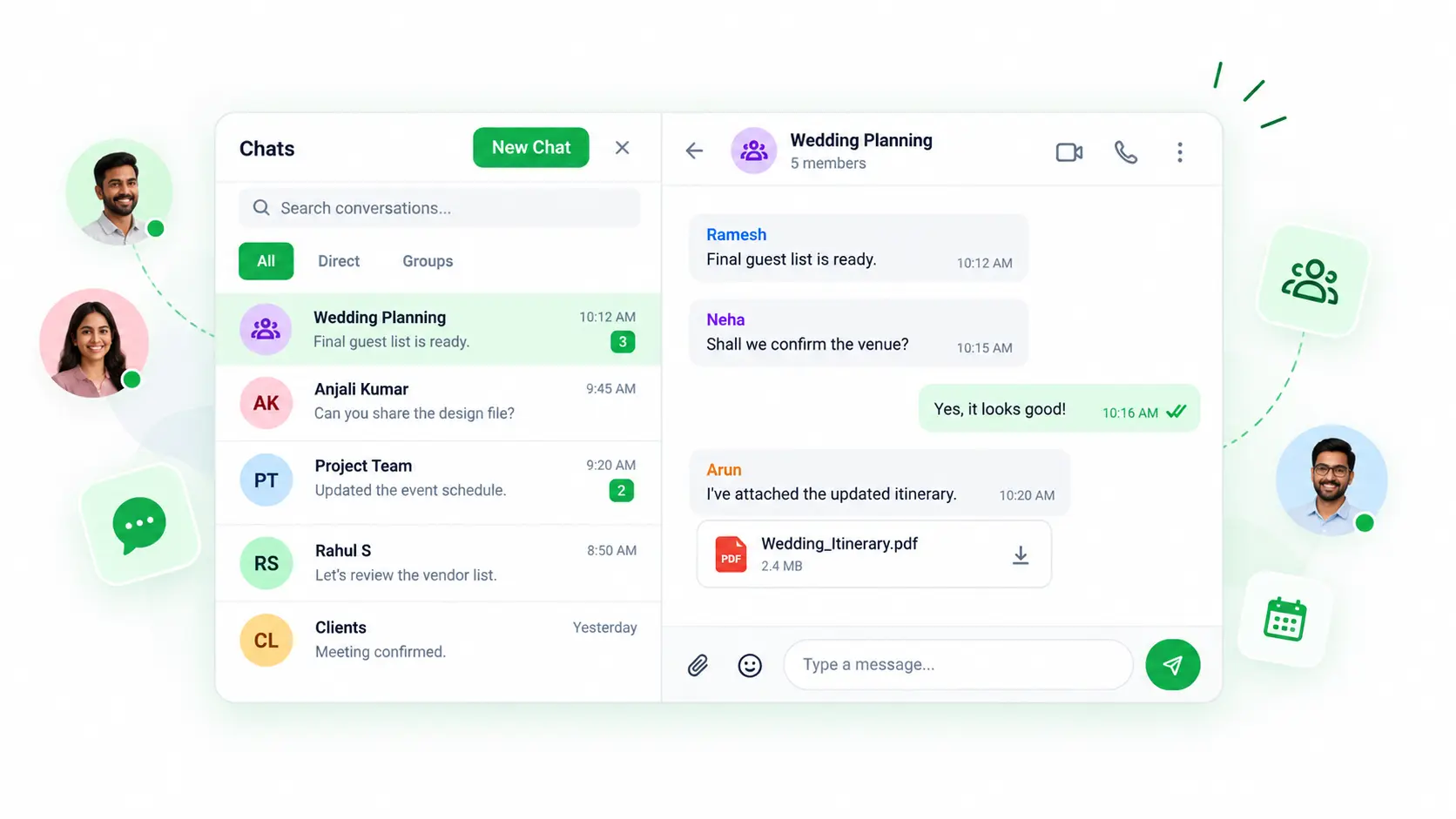
Keep Event Discussions Connected to Your Work
Communicate updates and decisions while managing the event in Momenza. Your team can stay connected without taking the conversation away from the work.